-
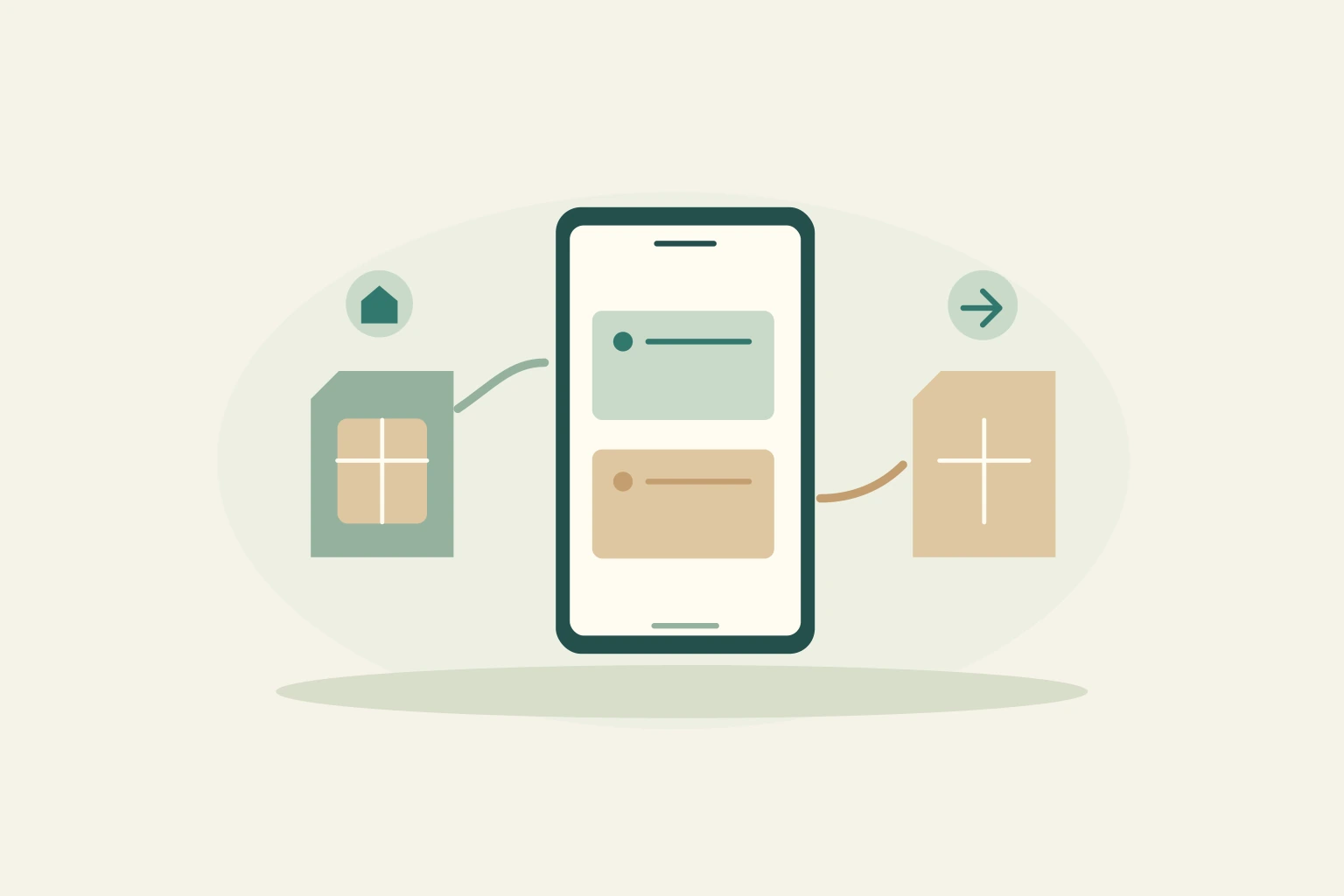
Keep Your Home Number in Korea: Dual-SIM Setup for iPhone and Galaxy
Choose a compatible two-line setup, use the Korea line for data and keep your home number available when needed, without assuming roaming is free.
-
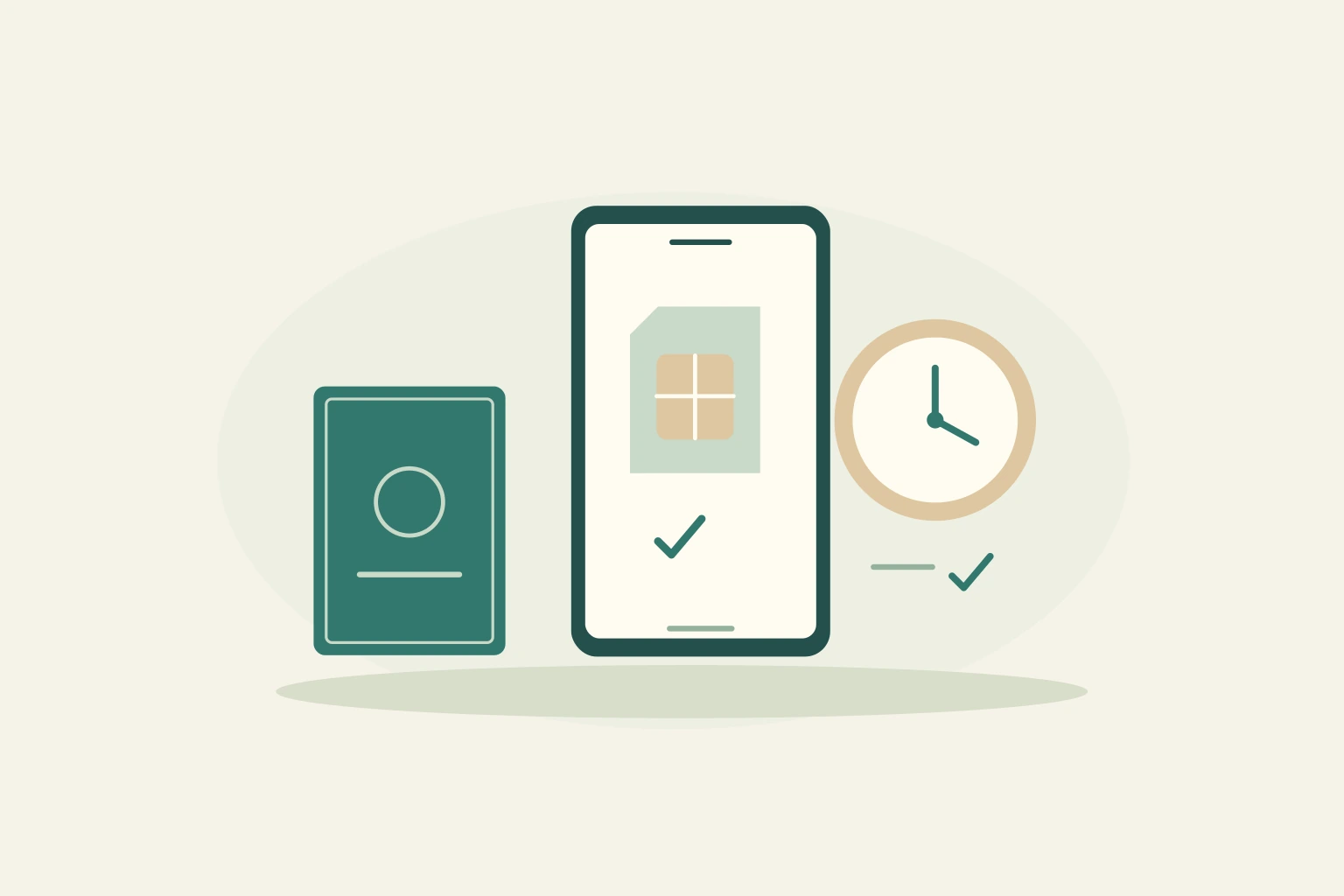
KT Tourist eSIM Activation: Your Korean Number and First Call
Set up a KT tourist eSIM without confusing installation, entry verification and voice credit, then check the Korean number and services you actually purchased.
-

Enkostay for Foreigners: Booking, Payments and Move-in
Book an Enkostay room with the correct payment and approval sequence, then prepare residence documents, entry instructions and a clear plan for changes or refunds.
-

33m2 for Foreigners: Passport Verification, Payment and Move-in
Follow the documented 33m2 rental process in English, from passport verification and landlord approval to international-card payment, move-in checks and deposit tracking.
-

Use Papago in Korea: Menus, Conversations and a Real Offline Test
Choose the right Papago mode, keep requests short, verify numbers and negations, and test downloaded offline features on your own phone before you need them.
-

K-pop Concert Tickets in Korea: Accounts, Identity and Entry Checks
Follow the artist or promoter to the correct ticket outlet, complete legitimate account checks early, and match your reservation to the event’s actual entry requirements.
-
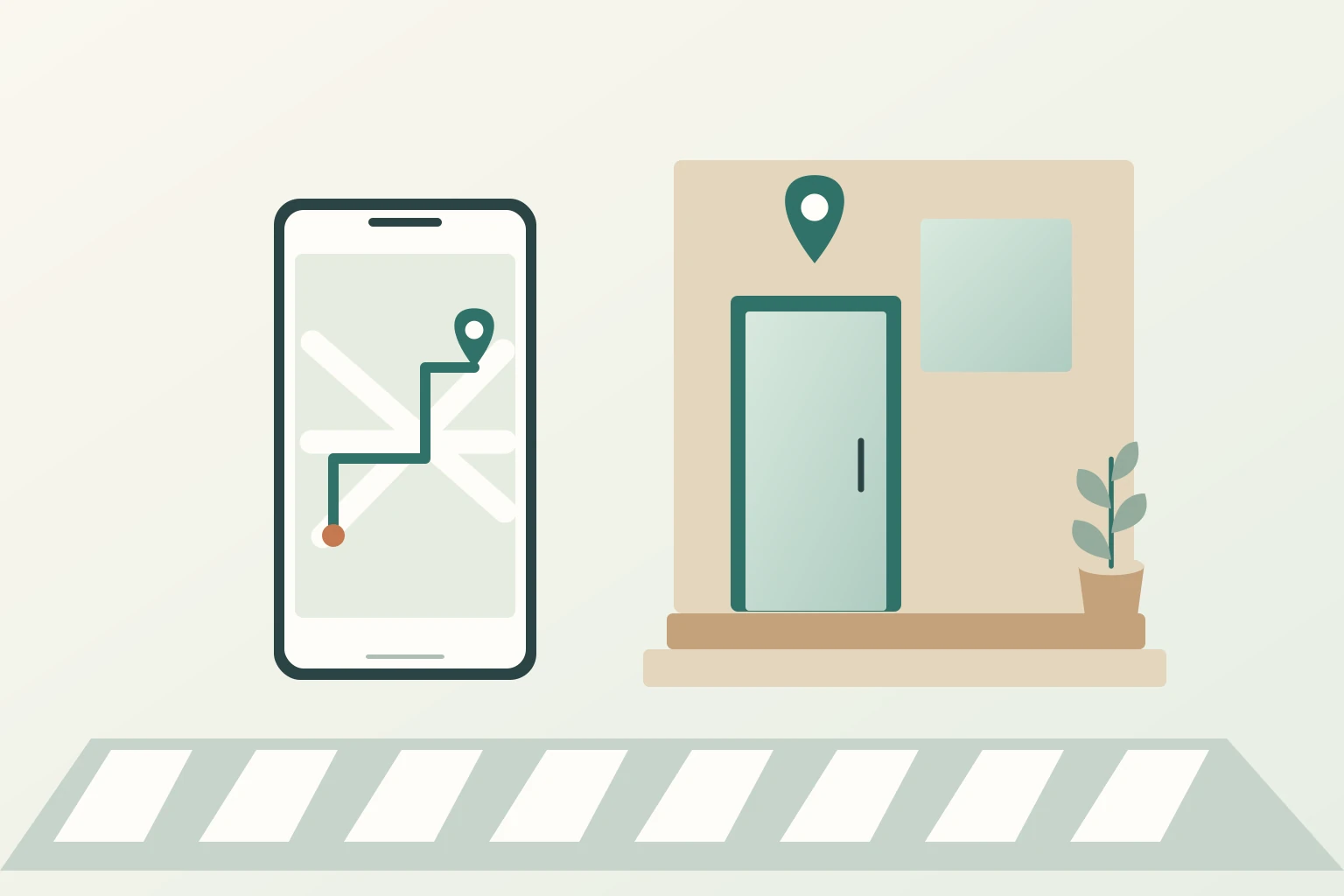
Naver Map vs Google Maps in Korea: Find the Right Entrance
Use Korean place names, exact branches, transit exits and entrance details to finish your journey instead of stopping at an approximate map pin.
-

How to Reserve Restaurants in Korea Without a Korean Number
Find an international booking route, distinguish reservations from waiting lists and confirm the branch, time, party size, payment and cancellation conditions.
-

Do You Need a Korean Phone Number? eSIM and SMS Explained
Choose the connectivity you actually need: mobile data, a Korean phone number, incoming texts or calls. Learn why these do not guarantee identity verification.